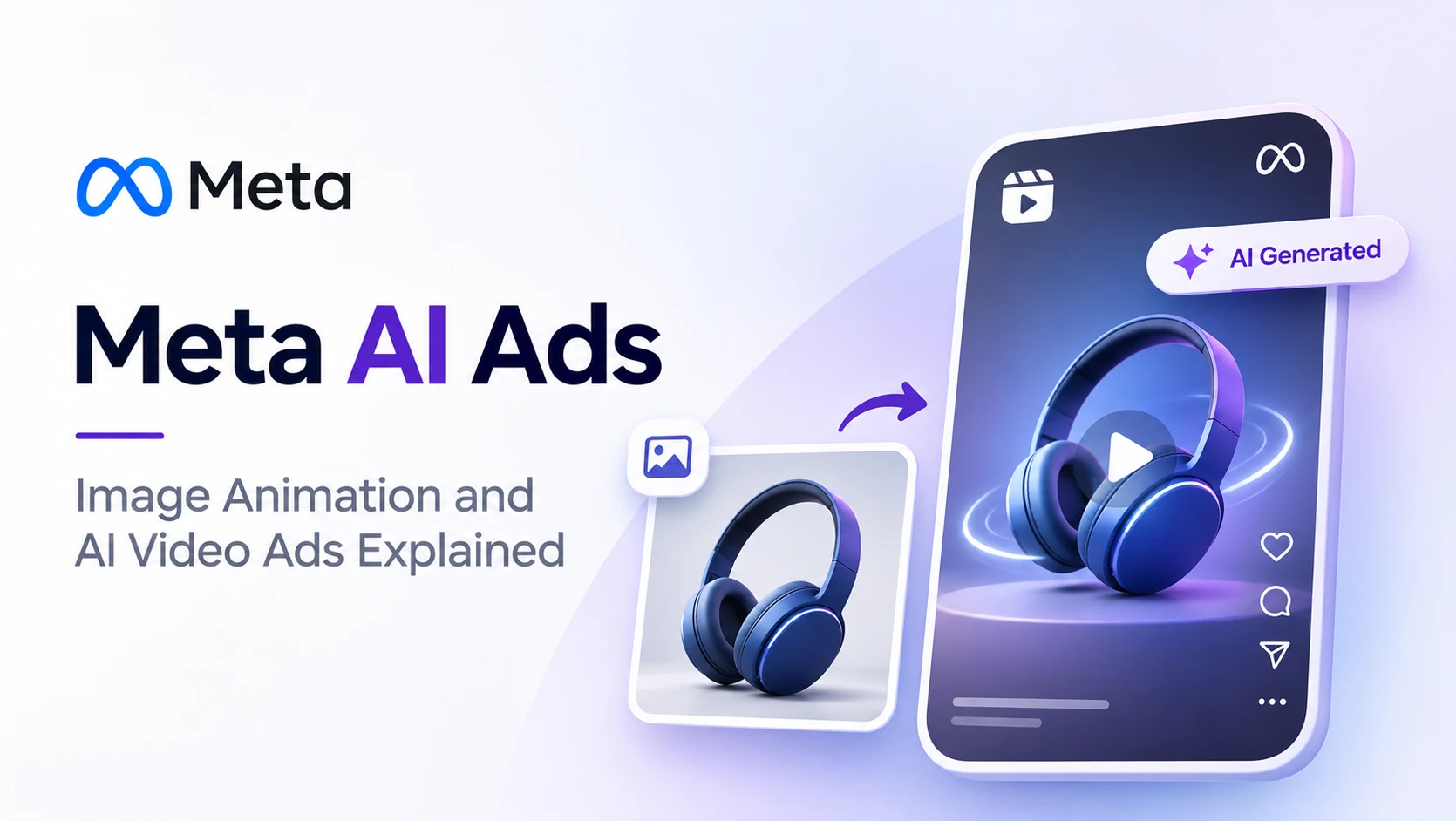
Meta AI ads are Facebook and Instagram ads that Meta's own AI helps create or change. In late 2026, Meta added Image Animation, which turns a still product photo into a Reels-ready video ad inside Ads Manager. It also announced fully generative video ads and AI tools that find audiences for you.
These tools save time and money. They also change who is responsible for the final ad. Here is what is new, what to switch on and what to watch.
- Which Meta AI ad tools launched in October and November 2026
- How Image Animation and generative video ads work
- The risks: AI edits, disclosure and your new legal responsibility
- A simple workflow to use Meta AI ads without losing control
What's New in Meta AI Ads This Season?
Meta's biggest AI ad updates of late 2026 are Image Animation, generative video ads, AI audience discovery and an expanded Ads Creative Studio. Together they let a small business turn a few photos into many ad versions, without a video shoot. Most of these sit inside Advantage+ Creative in Ads Manager.
| Date (2026) | Update |
|---|---|
| October 6 | At Advertising Week New York, Meta announced generative video ads, AI audience discovery, an expanded Ads Creative Studio with Brand Memory, and in-conversation checkout. |
| October 15 | At Meta's Brand Building Summit: Ads Super Burst moves to phased general availability, Reels Trending Ads expands, First Impression Ads tested in the US. |
| November 2 | Image Animation added to Advantage+ Creative. |
Sources include Common Thread Collective's running log of Meta ads changes and AdManage.
How Does Image Animation Work?
Image Animation takes a static product photo you upload and adds motion, turning it into a short Reels-style video ad. It runs inside Advantage+ Creative in Ads Manager, so there is no separate app. It helps brands with good photos but no video budget show up in Reels, where video formats usually perform better.
What it is good for
- Product shots. A saree, a sofa or a skincare bottle gets gentle movement.
- Testing. You get a video version of every photo ad without a shoot.
- Small teams. One person can run creative for many campaigns.
What it is not: a replacement for real video. It animates what is already in the photo. It cannot show your teacher explaining a concept or your client's site walkthrough.
Generative video ads go further
Generative video ads, announced on October 6, create video content using AI rather than just animating a photo. Brand Memory in Ads Creative Studio aims to keep the output consistent with your brand. Treat these as drafts to review, not finished ads.
What Are the Risks of Meta AI Ads?
The main risks are inaccurate AI edits, missing AI disclosure and legal responsibility. Meta's proposed new terms say advertisers are solely responsible for what Meta's AI features create in their ads. If an animation changes a product detail or makes a claim you can't support, the problem is yours, not Meta's.
- Accuracy. Meta's own terms note that its AI features may make mistakes. Check every generated version before it runs.
- Disclosure. In an October 2026 analysis, PPC Land found that just 2 of 3,379 AI-flagged ads it reviewed disclosed AI use.
- Responsibility. The updated terms were set for November 20 and are now on hold after regulator inquiries. Read the details in our guide to the new Meta ads policy.
Sensitive categories need extra care
Healthcare, education and real estate ads in India make claims that customers rely on. An AI-generated “before and after” or an animated price tag can cross a line fast. For these sectors, approve every AI variation manually.
A Safe Workflow for Using Meta AI Ads
The safest way to use Meta AI ads is to switch on only the enhancements you have reviewed, test them against your own creative, and check results against real sales. Each Advantage+ Creative enhancement is a separate setting, so you can keep the useful ones and turn off the rest at ad level.
- List what is on. In Ads Manager, open each active ad and check which Advantage+ Creative enhancements are enabled.
- Keep, test or turn off. Keep safe ones like brightness or cropping. Test Image Animation. Turn off anything that rewrites text or claims.
- Run a split test. Your own video vs the AI-animated version, same audience and budget.
- Measure with clean data. AI tools learn from your conversion data, so make sure you know what Meta Pixel does and that it fires correctly.
- Review weekly. Look at the actual ad previews, not just the numbers.
| Enhancement type | Risk level | Suggested action |
|---|---|---|
| Brightness, contrast, crop | Low | Keep on |
| Image Animation | Medium | Test, review every version |
| Text variations | Medium to high | Review or turn off for regulated sectors |
| Generative video | High | Treat as draft, approve manually |
When to make your own video instead
If your brand depends on trust, like a clinic, a college or a builder, real people on camera still win. You can edit those fast with AI too. See our guide to AI video editing for Reels.
Frequently Asked Questions
What are Meta AI ads?
Meta AI ads are Facebook and Instagram ads that Meta's AI helps create, vary or deliver. Examples include Image Animation, generative video ads, AI text variations and AI audience discovery, mostly found inside Advantage+ Creative and Advantage+ campaigns in Ads Manager.
What is Image Animation in Meta Ads Manager?
Image Animation is an Advantage+ Creative feature that adds motion to a static product photo, turning it into a Reels-ready video ad. Meta added it in early November 2026. It suits brands with strong photos but little video content.
Are AI-generated Meta ads allowed in India?
Yes. Indian advertisers can use Meta's AI ad tools. You still have to follow Meta's advertising policies and Indian advertising rules, especially for health, education and finance claims. Review AI output before it runs.
Who is responsible if Meta's AI makes a mistake in my ad?
Under Meta's proposed new terms, the advertiser is solely responsible for what Meta's AI features produce. Those terms were set for November 20, 2026 and are on hold, but it is wise to review AI output as if they already apply.
Can I turn off Meta's AI enhancements?
Yes. Each Advantage+ Creative enhancement is a separate setting that you can switch off at ad level in Ads Manager. Check new and duplicated ads, because enhancements can be enabled by default.
Conclusion
Meta AI ads can turn a folder of photos into a full set of Reels ads in minutes. That speed is real. So is the responsibility. Switch on only what you have reviewed, split test against your own creative, and approve every AI version in sensitive categories.
Learn creative AI hands-on
Use AI tools without losing control of your ads.
ETMark Academy's AI training covers practical creative AI for content, ads and design through hands-on labs and real workflows.
Sources
- Common Thread Collective — “Every Meta Ads Change in 2026,” updated November 2026
- AdManage — “Meta Ads Updates 2026: November News and Rollout Status,” November 2026
- PPC Land — “Meta Pixel counts more sales from Nov 12 as AI ads go undisclosed,” October 2026
- Ubersuggest keyword data for India, November 2026