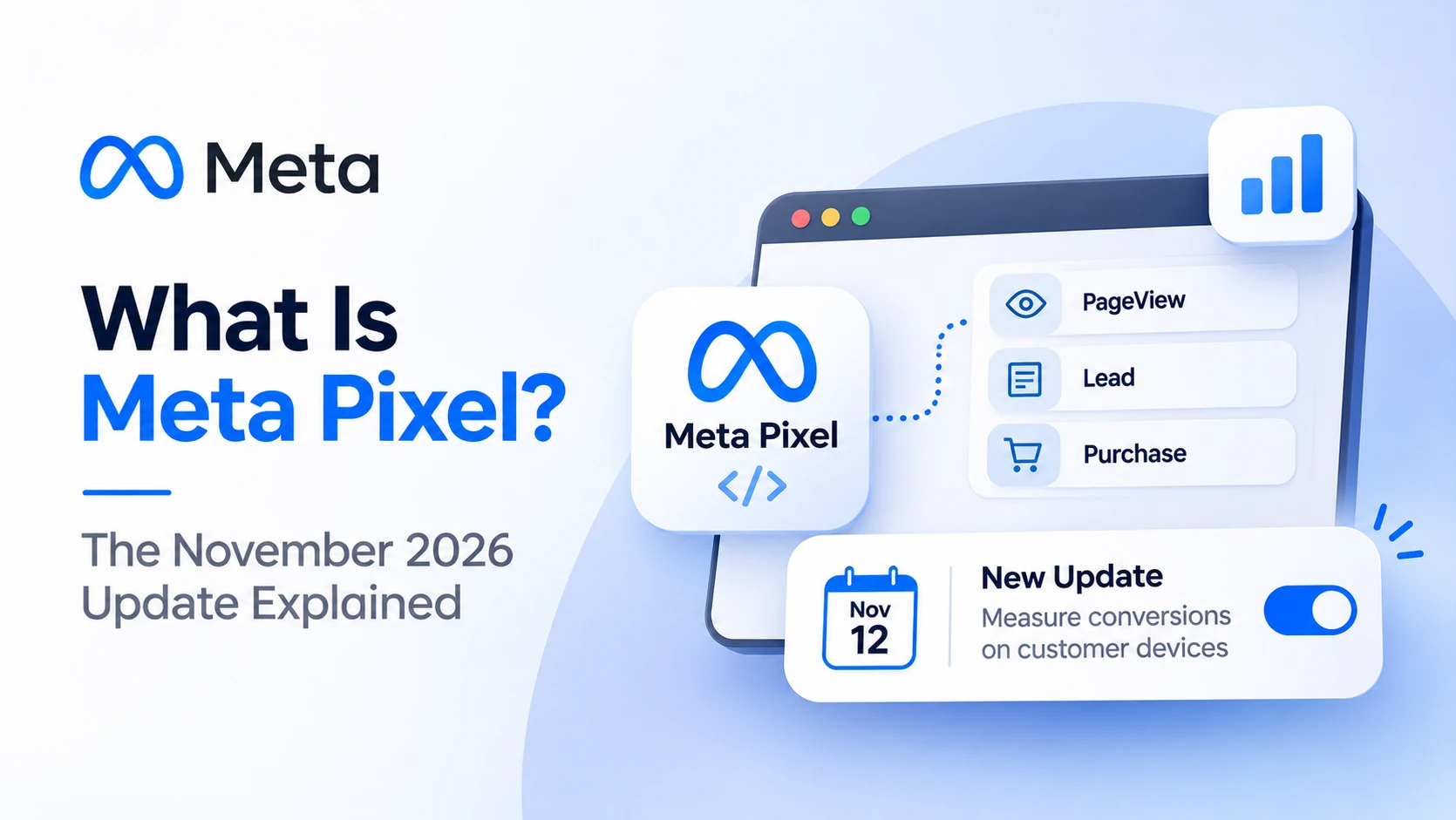
Meta Pixel is a small piece of tracking code you place on your website. It records what people do after they see or click your Facebook and Instagram ads, such as viewing a page, filling a form or buying. Meta uses that data to measure results, find similar customers and improve ad delivery.
From November 12, 2026, a new Pixel setting starts counting some conversions directly on the customer's device. It is switched on by default in India. Your Ads Manager numbers may rise even if your real sales don't.
- What Meta Pixel is and how it works
- What the new “Measure conversions on customer devices” setting does
- Meta Pixel vs Conversions API, and why you need both
- How to set up Meta Pixel and check it this week
How Does Meta Pixel Work?
Meta Pixel works by firing an event to Meta whenever a visitor takes an action on your site. Meta matches that event to a Facebook or Instagram user and links it to the ad they saw. This lets you measure conversions, build audiences of past visitors and tell Meta's algorithm which people to find more of.
The most common events are:
- PageView: someone lands on a page
- Lead: someone submits a form
- AddToCart and Purchase: shopping actions, with value and currency
- Contact: a click on WhatsApp, call or email
Each event can carry extra details, like product IDs or order value. According to a Relevant Audience glossary on Meta Pixel, a common audit finding is purchase events firing without values, which leaves Meta guessing about what a sale is worth.
What Is the New “Measure Conversions on Customer Devices” Setting?
“Measure conversions on customer devices” is a new Meta Pixel setting in Events Manager. When on, Meta counts some conversions on the shopper's own device, catching sales that normal tracking misses. It is on by default for eligible pixels outside the EU and UK, which includes India, and you can turn it off anytime.
Meta describes the setting as a way to measure conversions “that would otherwise go unmeasured,” according to Relevant Audience, which reviewed Meta's help pages in October 2026.
| Point | Detail |
|---|---|
| Where to find it | Events Manager, Meta Pixel settings |
| Default | On for eligible pixels |
| Not active for | People located in the EU and UK |
| Start date shown | “Measurement starting November 12, 2026” in Events Manager |
| Applies to | Datasets that already send events |
| Can you turn it off? | Yes, per dataset, at any time |
According to PPC Land, Meta plans a gradual rollout from November 12 with no opt-in step. The timing worried e-commerce teams. Aimerce CEO Yiqi Wu called it “the worst possible moment,” right before the November sale season.
Why this matters for your reports
Your cost per purchase in Ads Manager may suddenly look better. That can be real recovered data, or it can make comparisons with October misleading. Neither is bad on its own, but you need to know which it is.
Meta Pixel vs Conversions API: Do You Need Both?
Yes, you need both. Meta Pixel tracks events in the visitor's browser. The Conversions API sends the same events from your server. Ad blockers, browser privacy and iOS limits stop the Pixel from seeing some actions, so the Conversions API fills those gaps. Run both with deduplication so each event counts once.
| Meta Pixel | Conversions API | |
|---|---|---|
| Runs in | Visitor's browser | Your server |
| Blocked by ad blockers | Often | No |
| Setup effort | Easy (code or plugin) | Medium (plugin, partner or developer) |
| Data quality | Good when it fires | Richer customer data |
| Best practice | Use with CAPI | Use with Pixel, with deduplication |
Data platform Journify estimates that browser pixels now miss between 20% and 40% of purchase events on average, in its Meta Pixel guide. That is a vendor estimate, but it explains why Meta keeps adding new ways to recover conversions.
Google is doing the same thing on its side. See how enhanced conversions for Google Ads solve a similar problem.
How to Set Up Meta Pixel Step by Step
Setting up Meta Pixel takes about 30 minutes on most websites. You create a dataset in Events Manager, add the Pixel code or a platform plugin, set up key events like Lead or Purchase, and test with Meta's tools. Then connect the Conversions API and check the new on-device setting.
- Open Events Manager in Meta Business Suite and create a dataset (Pixel).
- Install the code. Use the WordPress, Shopify or WooCommerce integration, or paste the base code in your site header.
- Add events. Lead on form thank-you pages, Purchase with value on order confirmation, Contact on WhatsApp buttons.
- Test. Use Test Events in Events Manager and the Meta Pixel Helper Chrome extension.
- Connect the Conversions API through your platform's partner integration.
- Check the new setting under Meta Pixel settings and decide whether to keep it on.
- Watch Event Match Quality for each event and send more customer details where it is low.
Common mistakes
- Two Pixels on one site, double-counting every sale
- Purchase events with no value
- No events on WhatsApp clicks, which matter a lot for Indian businesses
Clean Pixel data also feeds Meta's AI ad tools. Read how Meta AI ads use your signals, and see the full Meta ads update for November 2026.
Frequently Asked Questions
What is Meta Pixel in simple words?
Meta Pixel is tracking code on your website that tells Meta what visitors do after seeing your Facebook or Instagram ads. It helps you measure results, retarget visitors and let Meta find more people likely to take the same action.
Is Meta Pixel free?
Yes. Meta Pixel is free to create and install. You only pay for the ads you run. Some advanced server-side setups for the Conversions API may need a paid plugin or a developer's time.
What does "Measure conversions on customer devices" do?
It lets Meta count some conversions on the customer's device that normal tracking misses. It is on by default for eligible pixels outside the EU and UK, and Events Manager shows measurement starting November 12, 2026. You can turn it off per dataset.
Should I turn off the new on-device setting?
Not necessarily. Keep it on if you want more complete reporting, but save a baseline of real orders first. If Ads Manager numbers move far away from your actual sales, review the setting and your attribution before changing budgets.
What is the difference between Meta Pixel and Conversions API?
Meta Pixel tracks events in the visitor's browser, while the Conversions API sends events from your server. The Pixel can be blocked by browsers and ad blockers. Using both with deduplication gives Meta the most complete and accurate data.
Conclusion
Meta Pixel is still the base of every Facebook and Instagram ad account. From November 12, 2026, it also counts some conversions on customer devices by default. Install the Pixel properly, add the Conversions API, save a baseline of real sales and judge the new numbers calmly.
Learn Meta tracking hands-on
Build cleaner Meta Ads measurement.
ETMark Academy's Digital Marketing Implementation Program covers Meta Pixel, Conversions API and Meta Ads through live labs and real campaign workflows.
Sources
- Relevant Audience — “Meta Pixel turns on ‘Measure conversions on customer devices’ by default outside the EU and UK,” October 28, 2026
- PPC Land — “Meta Pixel will count more conversions from Nov 12 unless advertisers opt out,” October 2026
- PPC Land — “Meta Pixel counts more sales from Nov 12 as AI ads go undisclosed,” October 2026
- Journify — Meta Pixel resource guide
- Ubersuggest keyword data for India, November 2026